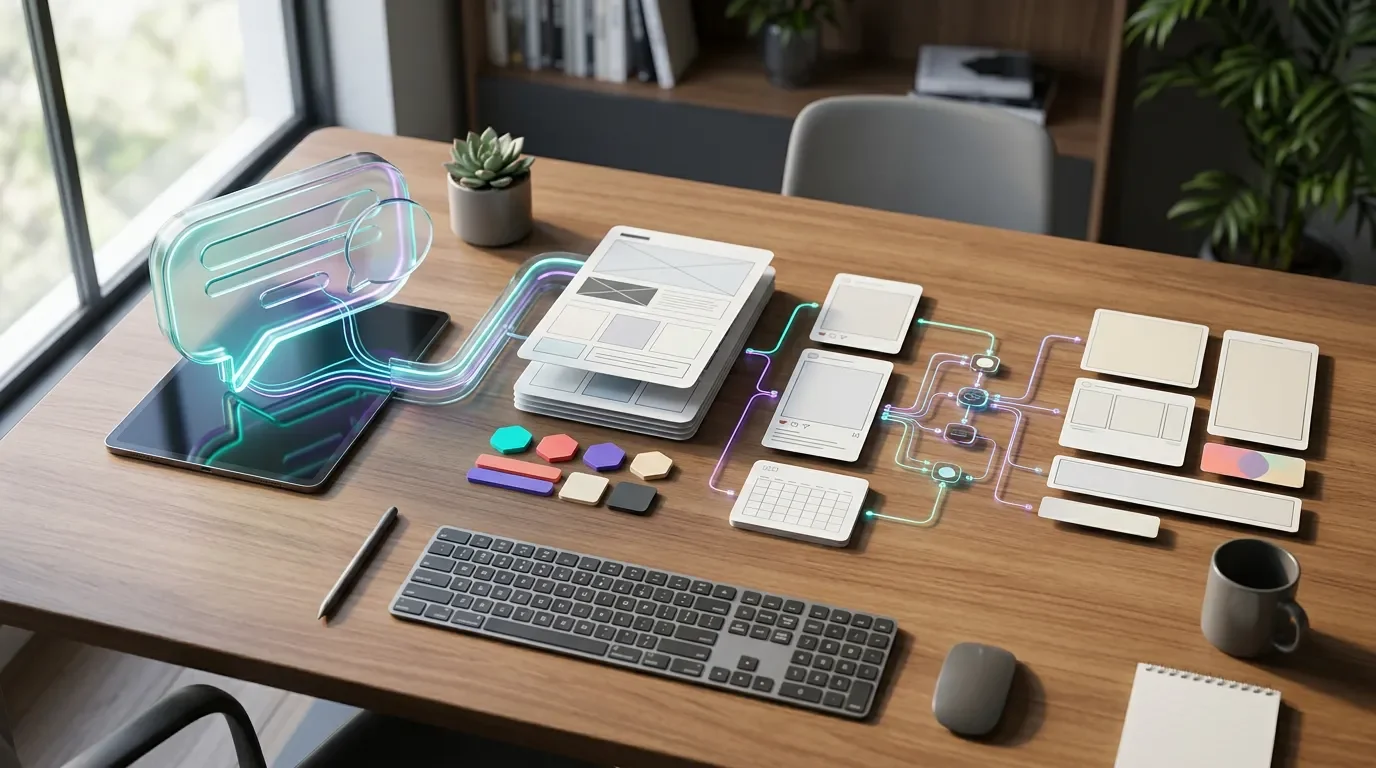
Canva’s New AI Workflow Is About Fewer Hand-offs, Not Prettier Posters
A practical tool spotlight for digital brand owners: what Canva’s AI 2.0, ChatGPT integration, and Magic Layers actually change, where they save time, and how to run a 30-minute workflow pilot before adopting them.
June 18, 2026 · 8:05 AM
1 subscriptions · 1 items
The useful part of Canva’s latest AI push is not that it can make a prettier poster from a prompt. The bigger shift is where the work happens: a brand brief can start inside an AI chat, become an editable Canva asset, stay tied to a Brand Kit, and then move toward publishing without the usual download-upload-redesign loop.
That matters for small teams because content production is no longer a side task. In SBE Council’s 2026 survey of 517 small business employers, 82% said they had adopted at least one AI tool, and the typical small business used five AI tools across operations; 74% also said digital platforms make it easier to compete with larger firms. 1 If you own a digital brand, the question is no longer whether to use AI. It is whether your AI stack helps you ship recognizably on-brand work faster, or just creates more loose drafts to clean up.
Quick verdict
Try Canva’s AI workflow if your bottleneck is asset adaptation, not original strategy. The strongest use case is turning a campaign idea, outline, deck, or AI-generated image into editable brand assets that a human can still polish.
Skip it for now if your team needs strict approval chains, legal review, or region-wide availability before experimenting. Canva says its ChatGPT app with full design capabilities is rolling out to ChatGPT users on Free, Plus, and Pro plans outside the EU, so access may vary by account and location. 2
What changed
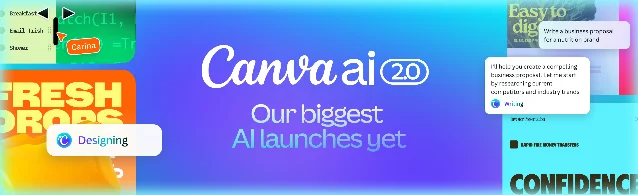
Canva is positioning AI less as a single magic prompt box and more as a creative operating layer. Canva AI 2.0 is described as a research preview that can generate fully layered, editable output from a prompt, with six workflow areas: connectors, scheduling, web research, brand intelligence, Sheets AI, and Canva Code 2.0. 3
For brand owners, three pieces are worth separating:
| Capability | What Canva says it does | Why it matters for a creator or brand owner |
|---|---|---|
| Brand Intelligence | Applies fonts, colors, and style from the first output, and can update existing work to a newer brand. 3 | Reduces the “almost on-brand” draft problem that usually eats the last 30 minutes of every social asset. |
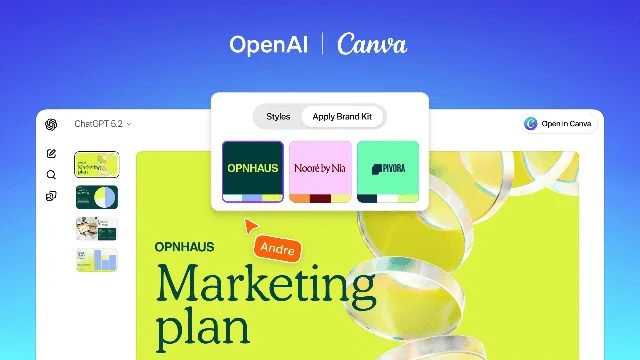
| Canva inside ChatGPT | Lets users generate, preview, edit, translate, and revise Canva designs from within ChatGPT; Brand Kits can be applied inside that workflow. 2 | Keeps ideation and first-draft design in the same place where many creators already brainstorm hooks, campaigns, and offers. |
| Magic Layers in Gemini and ChatGPT | Turns AI-generated images into fully editable, layered Canva designs; Canva says Magic Layers was used over nine million times in its first four weeks. 4 | Makes AI image output less disposable: you can move objects, change copy, resize formats, and adapt the asset instead of regenerating from scratch. |
The direction is clear: Canva wants to own the hand-off between AI thinking and publishable creative. It is also showing up across other AI surfaces. Canva says its connector in Perplexity Computer can turn research, strategy, or a brief into editable presentations, social campaigns, infographics, or brand kits, and that the connector is available for Perplexity Pro, Max, Enterprise Pro, and Enterprise Max users. 5
A practical 30-minute pilot
Use this as a low-risk workflow test before moving real campaigns into it. The goal is not to prove that Canva can replace your designer. The goal is to find out whether it can remove hand-offs from routine campaign production.
1. Start with one campaign brief, not a vague prompt
Open the AI surface where Canva is available to you. Canva says users can type “Canva” in a ChatGPT prompt, such as “Canva, create a presentation from this outline,” to surface the app in chat. 2
Use a compact brief:
- Product or offer: one sentence.
- Audience: one specific buyer or follower segment.
- Channel: Instagram carousel, LinkedIn post, sales deck, or landing-page hero.
- Brand constraints: tone, colors, forbidden claims, required CTA.
Confirmation signal: you should see an editable Canva design preview, not just a text description of a design. If you only get copy suggestions, the workflow has not reached the design layer yet.
2. Apply the Brand Kit before judging the draft
Canva says Brand Kits can be integrated into ChatGPT so fonts, colors, and voice are applied from the start. 2 Do not judge the first output until your brand rules are attached; otherwise, you are evaluating generic AI taste instead of the workflow’s real value.
Confirmation signal: the design should use your approved colors and type choices without manual recoloring. If it looks like a generic template, treat the test as incomplete.
3. Ask for one structural edit, one copy edit, and one format edit
A useful AI design workflow should survive revision. Canva says ChatGPT can edit text across entire Canva designs by chat while preserving design and formatting, with examples such as removing jargon from a deck or making a presentation more conversational. 2
Run three edits:
- Structural: “Turn this into a five-slide mini deck for a client call.”
- Copy: “Make the headlines more direct and less salesy.”
- Format: “Create a square social version and a vertical story version.”
Confirmation signal: copy changes should not destroy spacing, hierarchy, or brand styling. If every edit requires manual repair, the workflow is still a novelty, not a production shortcut.
4. Use Magic Layers only when the image is close
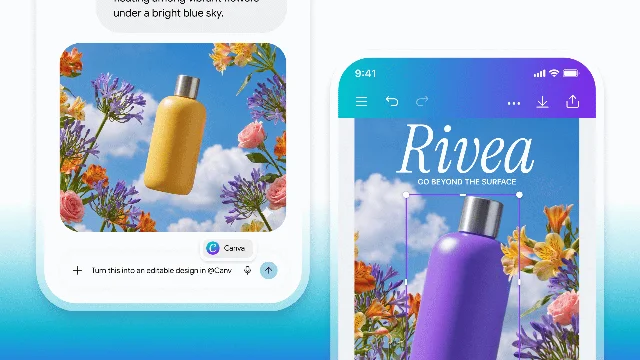
Magic Layers is most useful when you already like the image but need control. Canva says it can turn a flat AI-generated image into a layered design where text, objects, backgrounds, and layout structure become editable. 4
Do not use it to rescue a bad concept. Use it when the composition is 70% right and the remaining job is brand adaptation: swap colors, move an object, change the tagline, resize for another channel, or remove a background element.
Where it can save real time
The strongest workflows are repetitive, brand-sensitive, and multi-format:
- Launch kits: turn one offer brief into a mini deck, social carousel, email header, and short-form ad concept.
- Local campaigns: adapt the same promotion for different cities, languages, or audience segments.
- Founder-led content: convert a voice memo or rough outline into a polished post set without moving through three separate tools.
- Sales enablement: summarize past decks or proposals, then turn the output into a fresh client-facing asset. Canva describes its ChatGPT deep research connector as a way to search and summarize existing Canva content inside ChatGPT. 2
This is not the same as high-end creative direction. The real promise is operational: fewer exports, fewer blank-page moments, and fewer brand-policing passes on routine assets.
Guardrails before you rely on it
Keep a human checkpoint before anything goes live.
First, separate copy approval from design approval. AI can make a layout look finished before the claims are safe. If the asset mentions pricing, timelines, customer results, or regulated claims, review the words outside the design canvas.
Second, store reusable prompts and briefs, not just final images. If the workflow works once, the value is repeatability. Your best asset is the brief pattern that produces a usable draft.
Third, measure time saved by stage. Track ideation, first draft, adaptation, approval, and publishing separately. Canva’s workflow is most likely to compress the middle stages; it will not fix a fuzzy offer or weak positioning.
Bottom line
Canva’s AI direction is worth testing because it attacks a very specific creator problem: AI can produce ideas faster than teams can turn them into usable, on-brand assets. The new workflow is strongest when you already know the campaign and need faster execution.
Run one contained pilot: one offer, one Brand Kit, three formats, one revision pass. If the output survives that test with less cleanup than your current workflow, Canva has earned a place in your creator stack. If it only gives you attractive but generic drafts, keep it in the sandbox.
Add more perspectives or context around this Post.